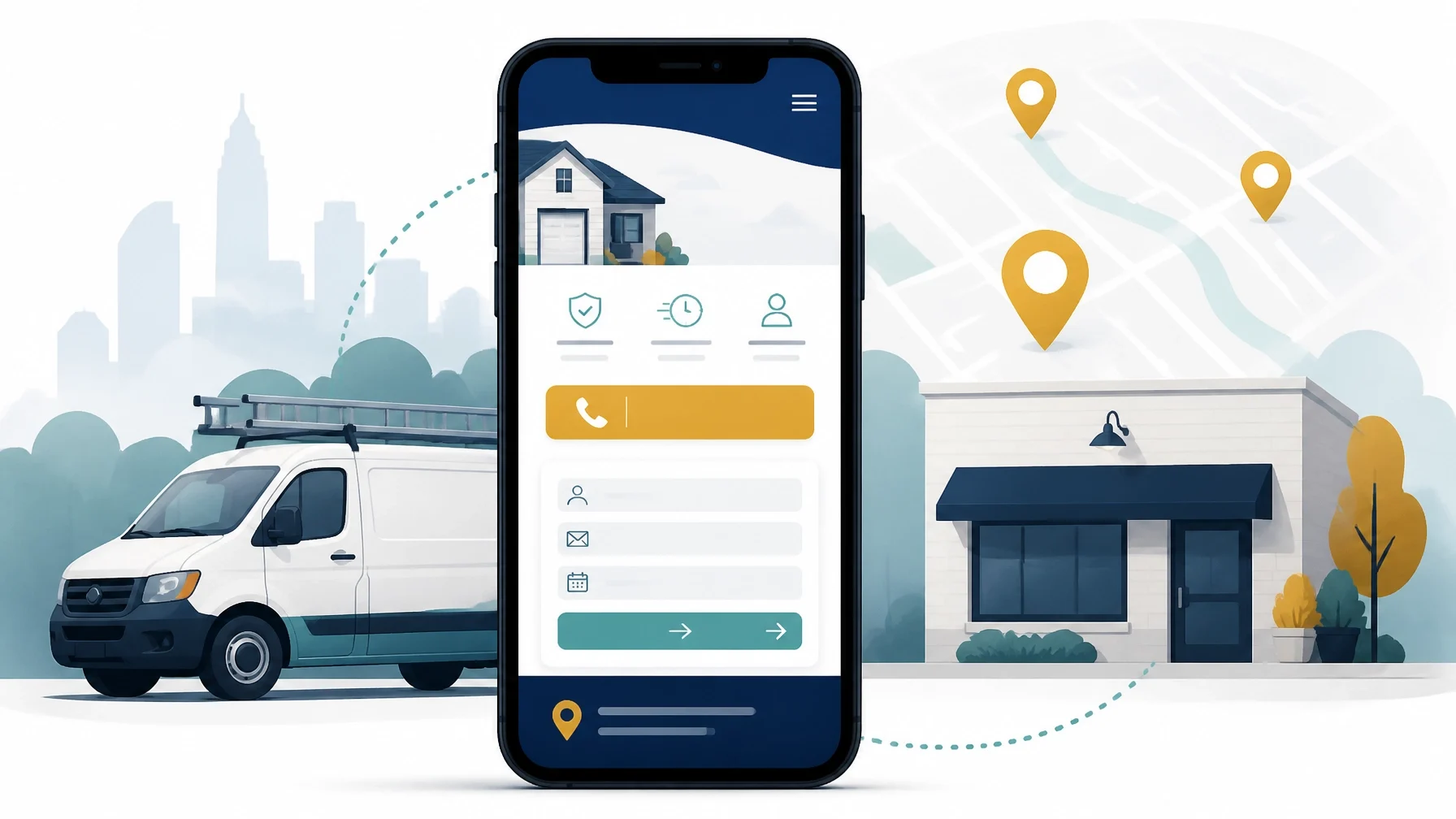
A practical guide to choosing the right website platform for plumbers, HVAC companies, electricians, realtors, restaurants, professional practices, online businesses, and other small companies.

A website builder should do more than make your business look professional. It should help the right customer understand what you do, confirm that you serve their area, and take the next step: calling, requesting a quote, booking an appointment, visiting your location, or placing an order.
That sounds straightforward. In practice, many business owners choose a platform based on templates, advertising, or a low introductory price. Those factors matter less than whether the site supports the way your business actually operates.
Before comparing platforms, define the job your website needs to perform.
Start with the purpose of the website
A plumber may need a fast mobile site with click-to-call functionality and an emergency service form. An HVAC company may need service pages, financing information, maintenance-plan inquiries, and appointment requests. A realtor may prioritize property listings, search filters, lead forms, and email capture.
A restaurant may need menus, directions, online ordering, reservations, and payment processing. An online business may need a store, digital product delivery, email signup, and customer accounts.
These are not interchangeable requirements.
Write down the primary action you want visitors to take. It might be:
Call the business
Request an estimate
Book a consultation
Schedule a service
Visit a physical location
Buy a product
Join an email list
Submit an application
Then identify the secondary actions. A website becomes easier to evaluate when every feature is connected to a business purpose.
A builder with hundreds of design options may be a poor choice if your customers cannot quickly find your phone number. A simple platform may be entirely adequate if it produces a fast, clear site that generates inquiries.
Confirm that the builder fits your service area and industry
Local businesses need more than a homepage and a contact page. Customers want to know where you work and whether you handle their specific problem.
Look for a platform that makes it easy to create:
Individual pages for important services
Service-area pages for cities, towns, or neighborhoods
Location pages for businesses with multiple offices
Pages for different customer types or industries
Clear hours, address, phone number, and directions
Frequently asked questions
Project galleries, menus, listings, or product catalogs
A company serving several nearby communities may need a different content structure from a business operating in one storefront. A professional practice may need staff biographies, consultation forms, and privacy-conscious handling of inquiries. A restaurant may need a menu that staff can update without rebuilding the site.
The builder should support your real operating model rather than force every business into the same template.
Ease of use matters: but so does control
Most small businesses do not need a platform that requires a developer for every minor change. You should be able to update a phone number, add a service, change holiday hours, publish a basic article, or replace a promotion without waiting days for help.
At the same time, “easy to use” should not mean “locked into a rigid design.”
Assess how the builder handles:
Reusable sections and page layouts
Fonts, colors, spacing, and branding
Mobile-specific adjustments
Image cropping and compression
Navigation menus
Redirects and page settings
Custom code, if needed later
User permissions for staff or contractors
A template is a starting point, not a strategy. Make sure you can remove unnecessary elements and place the important information where customers will see it.
Forms and lead capture should be treated as core features
For many local businesses, the website’s most valuable feature is a well-designed inquiry form.
A useful form may ask for the customer’s name, contact details, location, service needed, preferred timing, and a short description of the problem. An HVAC or roofing company may also want customers to upload photos. A professional practice may need an intake form, although sensitive information should be handled carefully and in line with applicable privacy obligations.
Keep the first form focused. Long forms can discourage people who are still deciding whether to contact you.
Check where submissions go and what happens next. Can they be sent to a business email address, spreadsheet, customer relationship management system, or other lead-management tool? Can you receive alerts? Can you export the submissions later? Can you distinguish leads from different pages or campaigns?
Do not assume that every platform stores every form field in the same way. Confirm the details in current documentation before choosing a plan.
Booking, scheduling, and payments are separate decisions
A contact form is not the same as a scheduling system.
If customers need to choose a time, the platform should either provide suitable booking functionality or connect reliably to a scheduling service. Important questions include:
Can customers see available times?
Can you set buffers between appointments?
Can different staff members have different availability?
Are confirmations and reminders included?
Can customers reschedule or cancel?
Can booking data be exported?
Does the system connect to your calendar?
A simple consultation business may only need a scheduling link. A salon, clinic, training provider, or field-service company may need a more structured appointment workflow.
Payments introduce another layer. If you sell products, deposits, memberships, event tickets, or service packages, check whether the builder supports the required payment methods and taxes. Verify transaction fees, payment-provider restrictions, refunds, subscriptions, and order exports before committing.
E-commerce businesses need an e-commerce-first platform
A brochure website with a payment button may be sufficient for a small number of transactions. It is not necessarily the right foundation for a growing online store.
E-commerce requirements can include:
Product variants
Inventory tracking
Shipping rules
Tax settings
Discount codes
Abandoned-cart recovery
Customer accounts
Order management
Product and customer exports
Returns and refunds
Integration with fulfillment or accounting tools
An e-commerce-first platform may suit a retailer, subscription business, or product brand better than a general website builder. Conversely, a service business that occasionally sells merchandise may not need a full store platform.
Choose according to operational complexity, not ambition alone.
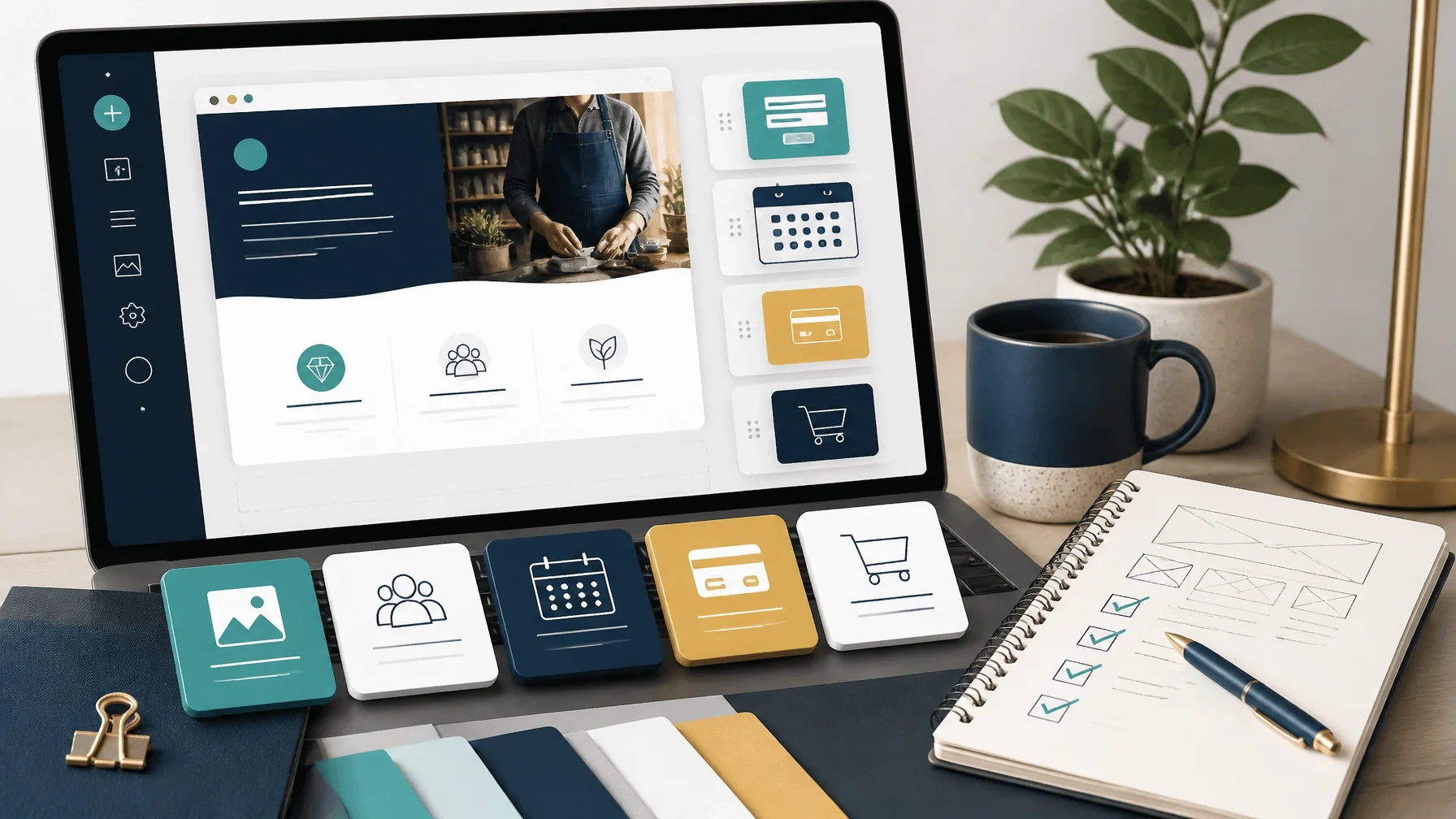
SEO basics should be accessible without becoming a technical project
A website builder cannot guarantee search visibility. It should, however, make the fundamentals manageable.
Look for control over:
Page titles and meta descriptions
Page URLs
Image alternative text
Headings
Internal links
Redirects
Sitemap access or generation
Search engine indexing settings
Business name, address, phone number, and hours
Structured data options, where appropriate
Local SEO also depends on the accuracy and consistency of your business information beyond the website. Your website should support, not replace, your broader local presence and business-profile work.
Be cautious about claims that a platform is automatically “SEO optimized.” Ask what you can edit, what the platform controls for you, and whether important settings are available on the plan you would actually use.
Speed and mobile performance are practical business requirements
Many visitors will first encounter your website on a phone. Test the site on a real mobile device, not only inside the desktop editor.
Check whether:
The phone number is easy to tap
The primary call to action appears quickly
Text is readable without zooming
Forms are easy to complete
Images load efficiently
Menus work with one hand
Maps and embedded tools do not overwhelm the page
The page remains usable on slower connections
Use tools such as Google PageSpeed Insights to test published pages. Results can vary by page, device, content, and third-party scripts, so treat a test as a diagnostic rather than a permanent score.
A builder that adds excessive scripts, animations, or large images may create a slower experience than a simpler site.
Analytics should answer business questions
Analytics are useful only when they help you make decisions.
At a minimum, you should be able to understand which pages attract visitors and whether people are taking important actions. Depending on the business, those actions might include phone clicks, form submissions, bookings, directions requests, purchases, or email signups.
Before launching, decide how you will track those actions. Check whether the builder supports analytics tools, event tracking, conversion tags, and connections to advertising or marketing platforms. Confirm whether those features are built in, require an integration, or are restricted by plan.
A traffic report is less useful than knowing which service page produced a qualified inquiry.
Integrations should fit your existing workflow
Your website is one part of the business system. It may need to connect with:
A CRM or lead-management tool
Appointment scheduling
Email marketing
Payment processing
Accounting software
Online ordering
Review and reputation tools
Call tracking
Customer support or chat
Inventory and fulfillment systems
Do not select a platform because it has the longest integration directory. Select one that connects to the tools you already use or genuinely expect to use.
An integration should also be evaluated for reliability, cost, data access, and what happens if you cancel it.
Understand the full ongoing cost
The advertised starting price is rarely the whole cost of operating a website.
Account for:
The website subscription
Domain registration and renewal
Premium templates or extensions
Booking or commerce features
Payment-processing charges
Transaction fees
Email marketing
Analytics or call tracking
Professional design or maintenance
Content production
Migration costs if you leave
Pricing and feature limits change. Verify current prices, billing terms, renewal rates, storage limits, transaction charges, and plan restrictions directly with each platform before purchase.

Ownership and export are easy to ignore until you need them
Ask what you actually control.
You should know:
Who owns the domain
Who has administrator access
Where website content is stored
Whether form submissions can be exported
Whether products, orders, and customer records can be exported
Whether pages and blog content can be moved
Whether the design itself can be exported
What happens to the site if you stop paying
These are different questions. A platform may let you export content while keeping the visual design tied to its system. Another may offer more technical control but require more maintenance.
If a freelancer builds the site, make sure the business: not only the freelancer: has access to the domain, hosting account, analytics accounts, payment accounts, and administrator credentials.
Which type of builder may suit your business?
Hosted all-in-one builders may suit owners who want a quick launch, managed hosting, templates, and limited technical maintenance. Their tradeoff is that customization, integrations, and portability vary.
WordPress or another content-management system may suit businesses that need more control, extensive integrations, content publishing, or future customization. The tradeoff is greater responsibility for hosting, updates, security, backups, and plugin management.
E-commerce-first platforms may suit retailers and online businesses where products, orders, inventory, and payments are central. They may be more complicated than necessary for a service company with occasional sales.
Design-focused platforms may suit creative businesses or brands that need a highly customized presentation. They can require more specialist help for forms, booking, SEO implementation, and ongoing edits.
Custom development may be appropriate when the business has unusual workflows, complex data requirements, portals, quoting systems, or integrations that standard builders cannot support. It is usually a poor starting point for a company that has not yet clarified its basic offer and conversion process.
Is a website builder the right starting point?
Sometimes the answer is no.
If your offer, service area, pricing model, or customer journey is still unclear, building a sophisticated website may postpone the more important work. Start with a simple site when you need a credible presence and a clear way for customers to contact you.
You may need a different solution when the business depends on complex scheduling, memberships, advanced e-commerce, customer logins, real-time inventory, regulated information, or deep operational integrations.
The best starting point is the simplest system that supports the next stage of the business without creating avoidable lock-in.
Questions to ask before choosing
Before you sign up, ask the platform or person building the site:
1. Can I edit the pages and settings without technical help?
2. Are forms, booking, payments, and analytics included in the plan?
3. Where do leads and customer records go?
4. Can I export all important data?
5. Do I control the domain and administrator access?
6. What are the renewal, transaction, and add-on costs?
7. Can I add integrations later?
8. What support is available when something breaks?
9. Can I preserve URLs and set redirects during a migration?
10. What would it take to leave the platform?
A website builder is not the business. It is infrastructure. Choose the infrastructure that makes it easier to explain your offer, capture demand, and operate consistently.
Choosing a website builder is easier when you start with the customer action, business workflow, and level of control you need. The better your answers are before you choose a platform, the more likely you are to end up with a site that supports daily operations instead of complicating them.