A practical framework for reducing repetitive work without handing important decisions to software.

Running a small business often means moving information from one place to another: a website form into a customer list, a completed job into an invoice, a booking into a calendar, or a sales conversation into a follow-up task.
These activities may be necessary, but they do not all require the owner’s attention. The challenge is knowing where automation will remove friction and where it could create expensive mistakes.
The safest approach is not to automate everything. It is to automate repetitive work with clear rules, while keeping judgment, approvals, exceptions, and sensitive decisions under human control.
The problem small business automation should solve
Automation should solve a specific operational problem, such as:
Leads are being missed or answered too slowly.
Appointment reminders are sent inconsistently.
Invoices are created late.
Customers do not receive promised follow-up.
Staff repeatedly copy the same information between systems.
Owners spend hours preparing reports.
Approvals sit in email threads without a clear owner.
If you cannot describe the problem clearly, adding a tool is unlikely to help. It may simply move the confusion into a more complicated system.
A useful first principle is:
Automate the movement of information before automating decisions about people, money, safety, or risk.
What to automate first
The best early candidates usually happen frequently, follow a repeatable sequence, and have a manageable cost of error.
Lead capture and basic routing
Lead capture is often a strong starting point for local service businesses, contractors, professional practices, e-commerce companies, and online businesses.
A simple workflow might:
1. Receive a form submission, call request, or online inquiry.
2. Store the contact details in a designated system.
3. Record the source of the lead if that information is available.
4. Send a confirmation that the inquiry was received.
5. Assign the lead to an owner or create a follow-up task.
6. Alert a human when the inquiry contains a high-priority condition.
Automation can make sure the lead enters the process. It should not automatically decide whether a complex prospect is suitable, promise a result, or send a detailed proposal without review.
For high-value or unusual inquiries, the system should route the information to a person rather than force the lead through a generic sequence.
Appointment reminders
Appointment reminders are another practical candidate because the trigger and timing are usually easy to define.
A workflow can send:
A booking confirmation.
A reminder before the appointment.
Instructions about preparation, arrival, or cancellation.
An internal notification if the appointment is changed or canceled.
Keep a human involved when the appointment requires unusual preparation, involves a sensitive customer situation, or needs a personal explanation. A reminder can be automated; the relationship should not be.
Invoicing and payment follow-up
For many businesses, routine invoicing can be partially automated after a clear event, such as a completed job, accepted quote, shipped order, or approved project milestone.
Possible automated steps include:
Creating a draft invoice.
Sending a standard invoice message.
Recording the invoice status.
Reminding a customer before or after a due date.
Alerting the appropriate person when payment fails or an invoice becomes overdue.
Keep adjustments, write-offs, refunds, disputed charges, unusual payment terms, and large accounts under human review. Automation may prepare the paperwork, but an owner or authorized staff member should make the final decision.
Standard customer follow-up
Follow-up is easy to postpone and easy to standardize.
You may be able to automate:
A message after an inquiry.
A reminder after a quote has been sent.
A post-purchase care message.
A renewal or reorder reminder.
A request for feedback after a completed service.
The boundary matters. A standard message can be automatic until the customer replies with a question, complaint, objection, or special request. At that point, the workflow should stop or transfer the conversation to a person.
If your focus is the customer-facing messages themselves, the guide on automating customer follow-up without losing the personal touch covers the specific follow-up moments, personalization, and consent in more detail.
Recurring tasks and data entry
Recurring internal work is often a better automation target than customer-facing communication.
Examples include:
Creating a weekly operations checklist.
Copying approved information from one system to another.
Assigning routine maintenance tasks.
Updating a project status after a defined event.
Filing documents according to a consistent naming rule.
Notifying a team member when a required field is missing.
Before automating data entry, decide which system is the source of truth. If two tools can both change the same customer, order, or financial record, errors become harder to identify.
Basic reporting
Automation can collect and format information for a weekly or monthly report. It can bring together items such as lead counts, open jobs, overdue invoices, bookings, or order statuses, depending on the systems you use.
The report should support a human review. It should not automatically decide to change prices, reduce staffing, pause advertising, or terminate a customer relationship.
Numbers can be gathered automatically. Their meaning still requires context.
What should remain human-led
Some work is unsuitable for full automation because the cost of a wrong decision is high or because the work depends on trust and judgment.
Keep a human in charge of:
Sales conversations involving negotiation or complex needs.
Complaints, refunds, and service recovery.
Hiring, termination, and performance concerns.
Pricing changes and custom quotes.
Financial decisions, including credit, large purchases, discounts, and write-offs.
Safety-related decisions.
Legal, regulatory, privacy, or compliance-sensitive actions.
Approvals for contracts, spending, access, or sensitive data.
Exceptions that do not match the normal workflow.
Automation can still assist with these areas. It can gather documents, summarize a customer history, create an approval task, or flag an unusual transaction. It should not silently make a consequential decision simply because a rule was added months ago.
The same principle applies to complaints. An automated acknowledgment may be useful, but a customer who feels ignored will not be reassured by receiving more generic messages.
How to map a workflow before automating it
Do not begin by browsing software marketplaces. Begin with the process itself.
Write the workflow on one page using these questions:
1. What starts the process?
A form submission, booking, payment, job completion, email, or status change?
2. What information is required?
Name, contact details, order number, service type, payment status, or another field?
3. What happens next?
List each step in the order it currently occurs.
4. Who owns each step?
Give every handoff a named role or person.
5. Where are the decisions?
Mark steps that require judgment, approval, or interpretation.
6. What can go wrong?
Include missing information, duplicate records, failed payments, canceled appointments, and unusual requests.
7. What should stop the workflow?
Define the conditions that require a human review.
8. What confirms completion?
A sent invoice is not the same as a paid invoice. A created task is not the same as a completed task.

Estimate risk before choosing the level of automation
A simple risk review can help you decide how much human involvement is needed. For each step, consider:
How often does it happen?
How clear are the rules?
How difficult is the error to detect?
How costly would the error be?
Does the step involve personal, financial, health, employment, or safety information?
Would a customer reasonably expect a person to handle it?
Low-risk, repetitive steps may be fully automated. Medium-risk steps may need review queues or approval thresholds. High-risk steps should remain human-led, with automation limited to preparation, reminders, or routing.
Businesses handling sensitive information should also review their privacy and security responsibilities. The Federal Trade Commission’s privacy and security guidance covers areas including consumer privacy and data security. The National Institute of Standards and Technology’s Small Business Cybersecurity Corner provides additional resources. These links are starting points, not a substitute for professional legal or security advice.
Test one process before expanding
Choose one narrow workflow with a clear beginning and end. For example:
New website inquiry to assigned follow-up task.
Completed job to draft invoice.
Appointment booking to reminder message.
Paid order to customer confirmation.
Run the old and new processes in parallel for a limited test period, if practical. Review whether:
Records are created correctly.
Messages go to the right people.
Timing is appropriate.
Duplicate actions occur.
Exceptions are visible.
Staff know what to do when the workflow stops.
Assign one person to own the automation. That person does not need to build every part of it, but they should know what the workflow does, what data it uses, and how to pause it.
Create stop conditions before launch. Examples include:
Missing required information.
Duplicate customer or order record.
Failed payment.
Unusual order value.
Customer reply containing a complaint.
Request for a refund or special pricing.
Safety concern.
Change to a contract or payment term.
Monitor results without creating tool sprawl
A workflow is not finished when it goes live. Review it on a schedule that matches its importance.
Track practical measures such as:
Number of records processed.
Number of failures or duplicates.
Missed or delayed follow-ups.
Staff time spent correcting errors.
Customer complaints related to the process.
Exceptions that require manual handling.
Whether the process still matches current business policy.
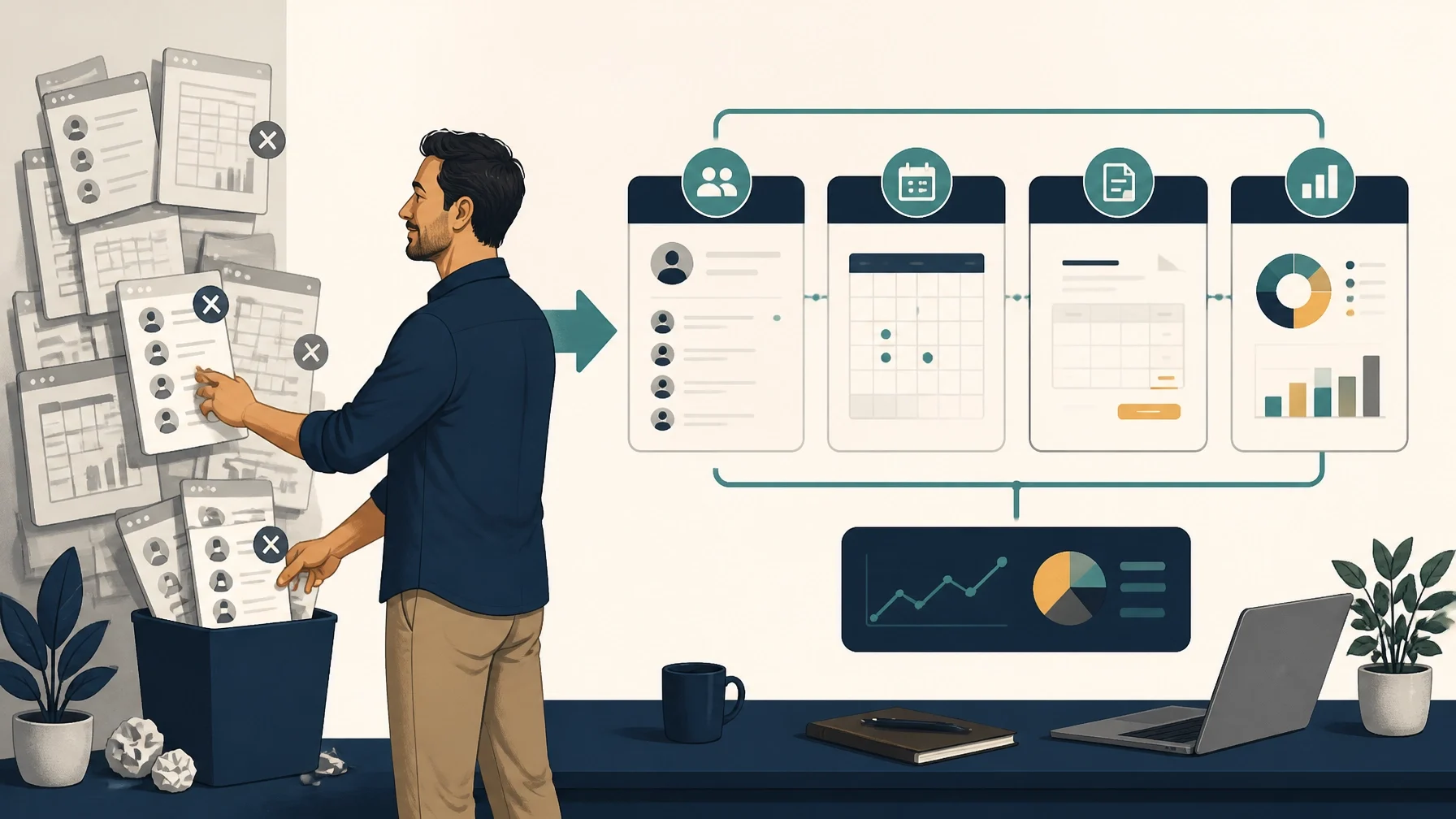
Avoid adding a new tool for every problem. Start with the systems you already use. A CRM, calendar, accounting platform, e-commerce system, or project-management tool may already include relevant workflow features.
If you add an integration, document:
What it connects.
Which system is the source of truth.
What data is transferred.
Who owns it.
What happens if it fails.
How access will be removed if the tool is no longer used.
More tools do not automatically produce a better process. A smaller, documented system is often easier to maintain than a large collection of disconnected automations.
Questions to ask before automating a process
Before buying or configuring anything, ask:
What manual problem are we solving?
What is the current process, step by step?
Which step creates the bottleneck?
What is the cost of a wrong action?
What information should never be sent automatically?
Where does a human need to approve, interpret, or respond?
What are the stop conditions?
Who owns the workflow after launch?
How will we detect failures?
Can our existing tools handle the first version?
What is the exit plan if the automation does not work?
Automation is most useful when it makes responsibility clearer, not when it hides responsibility behind software.
A practical starting sequence
For many small businesses, a sensible order is:
1. Lead capture and assignment.
2. Appointment confirmations and reminders.
3. Draft invoicing and routine payment reminders.
4. Standard follow-up after quotes, purchases, or completed work.
5. Recurring internal tasks and simple data entry.
6. Reporting and dashboard preparation.
7. Approval routing and exception alerts, with final decisions kept human-led.
Your own sequence may differ. A contractor with a busy schedule may begin with appointment coordination. An online company may start with lead routing and customer onboarding. A professional practice may need stricter privacy and approval controls before automating any client communication.
The goal is not maximum automation. It is a dependable operating process in which software handles predictable work and people remain accountable for judgment.
Start with one workflow this week. Map its trigger, steps, owner, exceptions, and stop conditions before choosing a tool. Then test the smallest useful version and review the results with the person responsible for the process.