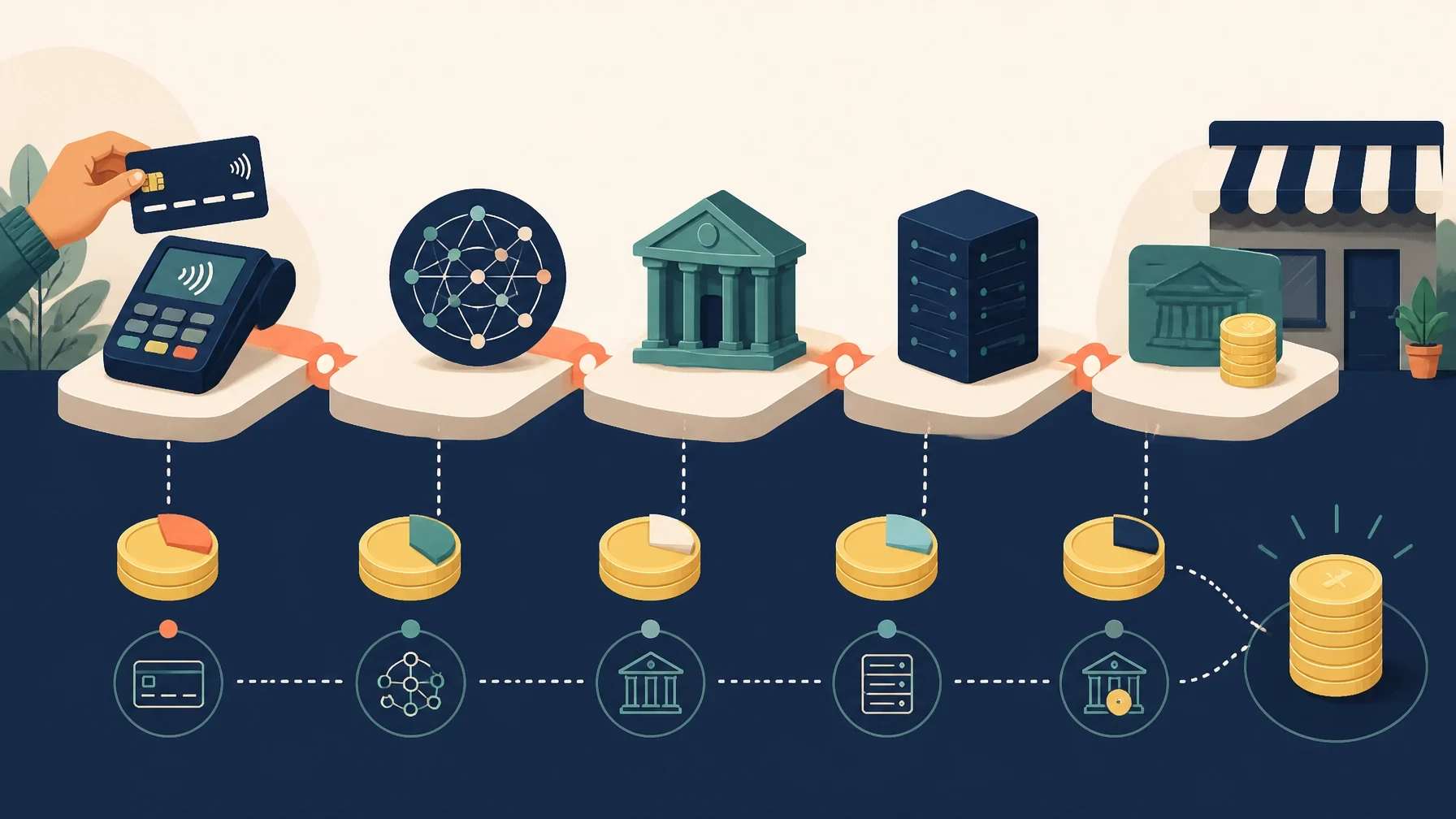
The right payment setup should fit how you sell, how quickly you need funds, and how much operational complexity your business can manage.
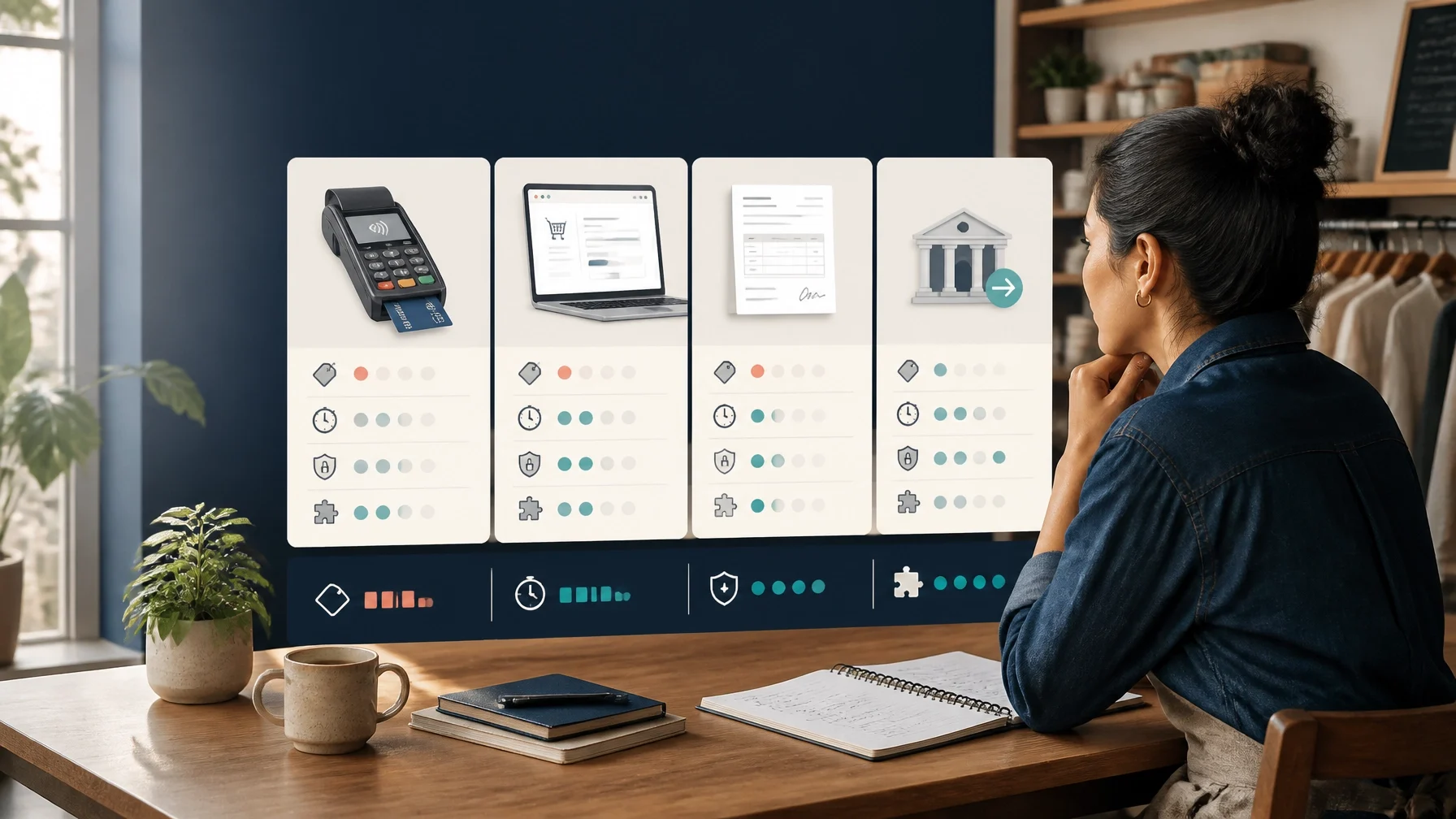
Choosing payment processing is not simply a matter of finding the lowest advertised transaction rate.
The system you select affects when money reaches your bank account, how refunds are handled, how disputes are managed, and whether your sales data flows cleanly into your accounting or customer management software.
A good payment setup solves a practical problem: it lets customers pay through the channels they already use while giving you reliable records, manageable costs, and enough control to operate the business without unnecessary friction.
This guide explains what to compare before signing up.
Start with how your business actually accepts money
Payment processing should follow your sales process: not the other way around. Begin by documenting how customers pay you now and how you expect them to pay in the future.
Consider whether you need:
In-person payments through a countertop terminal, point-of-sale system, or mobile card reader
Online checkout through an e-commerce website
Invoices and payment links for remote or professional services
Recurring billing for memberships, retainers, or subscriptions
Deposits and staged payments for projects, appointments, or custom orders
Mobile or field payments for contractors, markets, events, delivery, or on-site services
Bank transfers, ACH payments, checks, or wires for larger business-to-business transactions
Also record your average transaction size, approximate monthly volume, seasonal changes, refund frequency, and the number of people who will use the system. These details matter because a pricing model that works for many small purchases may be less suitable for fewer, higher-value invoices.
Match the system to your business type
Different businesses have different payment priorities.
Contractors and field-service businesses
Contractors may need mobile payments, deposits, progress billing, signed estimates, invoices, and proof that a customer approved a particular charge. A portable reader can be useful, but the software must also support job records, customer notes, partial payments, and refunds.
Ask whether payments can be connected to the estimate or invoice that created them. If employees collect payments in the field, review user permissions and what happens when a device is lost, offline, or shared.
Restaurants and hospitality businesses
Restaurants often need quick card-present transactions, contactless payments, tips, split checks, refunds, and integrations with ordering or point-of-sale software. The payment system should make it easy to reconcile daily sales, tips, taxes, and deposits.
Confirm whether the processor integrates with the specific restaurant software you use. A terminal that works well on its own may create additional manual work if it does not transfer sales data accurately.
Retailers
Retailers may prioritize inventory synchronization, returns, exchanges, gift cards, customer accounts, and multiple checkout stations. Hardware reliability matters, especially during busy periods.
Check whether the payment system supports the payment methods your customers use and whether refunds can be matched to original purchases. If the system stores customer profiles, understand what information is exported if you later change providers.
Professional practices
Consultants, agencies, medical practices, legal practices, and other professional businesses may rely heavily on invoices, retainers, recurring payments, and payment links. They may also need clear records showing who paid, which invoice was settled, and whether a payment was partial or complete.
For these businesses, ACH or bank transfers may be worth evaluating alongside card payments, particularly for larger invoices or recurring business-to-business billing. The appropriate choice depends on authorization procedures, timing, customer expectations, and the terms of your provider agreement.
E-commerce businesses
E-commerce businesses need a secure online checkout, fraud controls, refund tools, order matching, and reliable connections to their website and fulfillment systems. Card-not-present transactions also require more attention to evidence, including order details, customer communications, and delivery records.
Do not choose a processor based only on whether it can accept cards online. Test the complete flow: payment authorization, failed payment, refund, cancellation, subscription renewal, dispute notification, and settlement reporting.
Understand the full cost: not just the headline rate
Payment costs may include a percentage of the transaction, a fixed per-transaction charge, monthly fees, gateway fees, hardware costs, chargeback fees, refund-related costs, currency conversion charges, and other account or service fees.
The major pricing structures include:
Flat-rate pricing: A bundled percentage and fixed fee. This is generally easier to understand and compare.
Interchange-plus pricing: Card-network and issuing-bank costs are passed through separately, with the processor adding a stated markup.
Tiered pricing: Transactions are grouped into pricing categories. Ask how transactions are classified and what causes one category to cost more than another.
Subscription or membership pricing: A recurring fee may be combined with lower transaction markups. This can be difficult to assess without knowing your expected volume.
Do not assume one model is always cheaper. Calculate your estimated monthly cost using your own transaction pattern. Include small purchases, large invoices, card-present payments, online payments, refunds, and recurring charges separately.
A processor may also charge a monthly minimum even when sales are low. Hardware may be purchased, rented, financed, or tied to a particular provider. Ask what happens to the equipment if you close the account or switch processors.
Compare settlement timing and cash-flow controls
Authorization is not the same as settlement. Authorization confirms that a payment has been approved. Settlement is the later movement of funds into your business bank account.
Ask:
When are funds normally made available?
Are weekends and bank holidays treated differently?
Is the first payout subject to additional review?
Can funds be delayed because of refunds, disputes, unusual activity, or risk reviews?
Are faster deposits available, and do they carry an additional cost?
Can the provider impose a reserve or hold?
What happens to unsettled funds if the account is closed?
Settlement timing varies by provider, payment method, business type, account history, and transaction risk. Obtain the terms that apply to your account rather than relying on a general advertisement.
For more on electronic payment choices, including ACH and checks, review the Small Business Payments Toolkit.
Treat chargebacks and refunds as operating processes
A chargeback is not the same as an ordinary refund. A refund is initiated by the business. A chargeback is a dispute raised through the customer’s card issuer and processed under card-network rules.
Before choosing a provider, find out:
How are chargeback notices delivered?
How much time do you have to respond?
What evidence can you submit?
Is there a separate chargeback fee?
Are processing fees returned when you issue a refund?
Can you issue partial refunds?
How are recurring-payment cancellations recorded?
Can your staff issue refunds without additional approval?
Create a basic evidence process. Keep invoices, receipts, signed approvals, customer communications, delivery confirmation, appointment records, and cancellation details in an organized system. Your billing descriptor: the business name customers see on their statements: should be recognizable and consistent with your customer-facing brand.
ACH payments and checks have different return and dispute procedures from card payments. If you accept ACH debits, confirm how customer authorization is collected, how authorizations are stored, and how returned payments are reported.
Review hardware, payment methods, and integrations
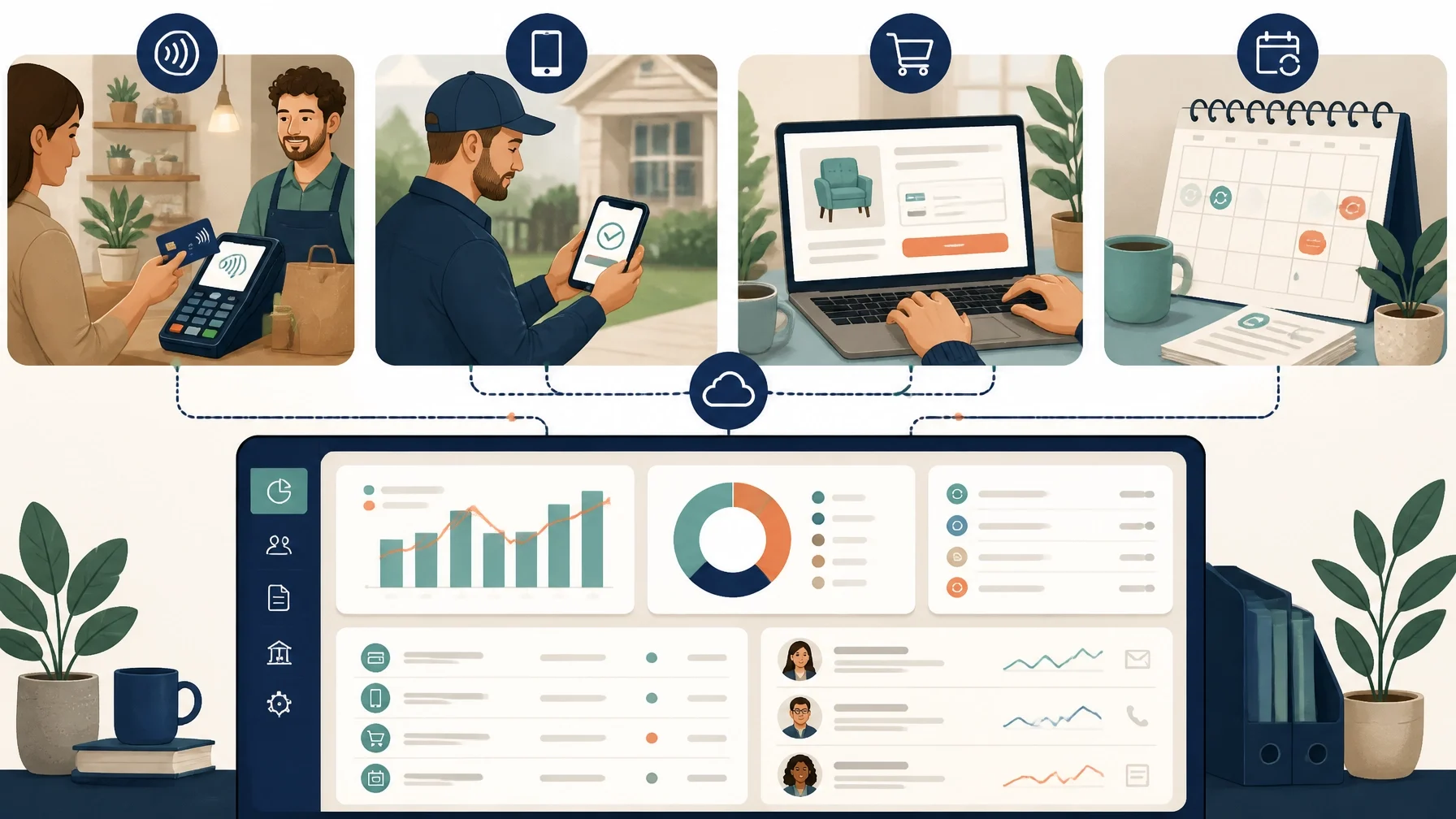
A payment processor is part of your operating system. Test how it connects with:
Your website or online store
Accounting software
Inventory and order management
Customer relationship management tools
Appointment or booking software
Subscription and recurring-billing systems
Payroll or bank reconciliation workflows
Look for duplicate records, delayed synchronization, unclear fee entries, and manual workarounds. Ask whether the integration is native, provided through an outside connector, or dependent on an API that your developer must maintain.
Hardware deserves the same scrutiny. Check terminal compatibility, receipt options, connectivity requirements, offline behavior, replacement procedures, and whether the device supports chip, contactless, and mobile-wallet payments where relevant.
Understand security and PCI responsibilities
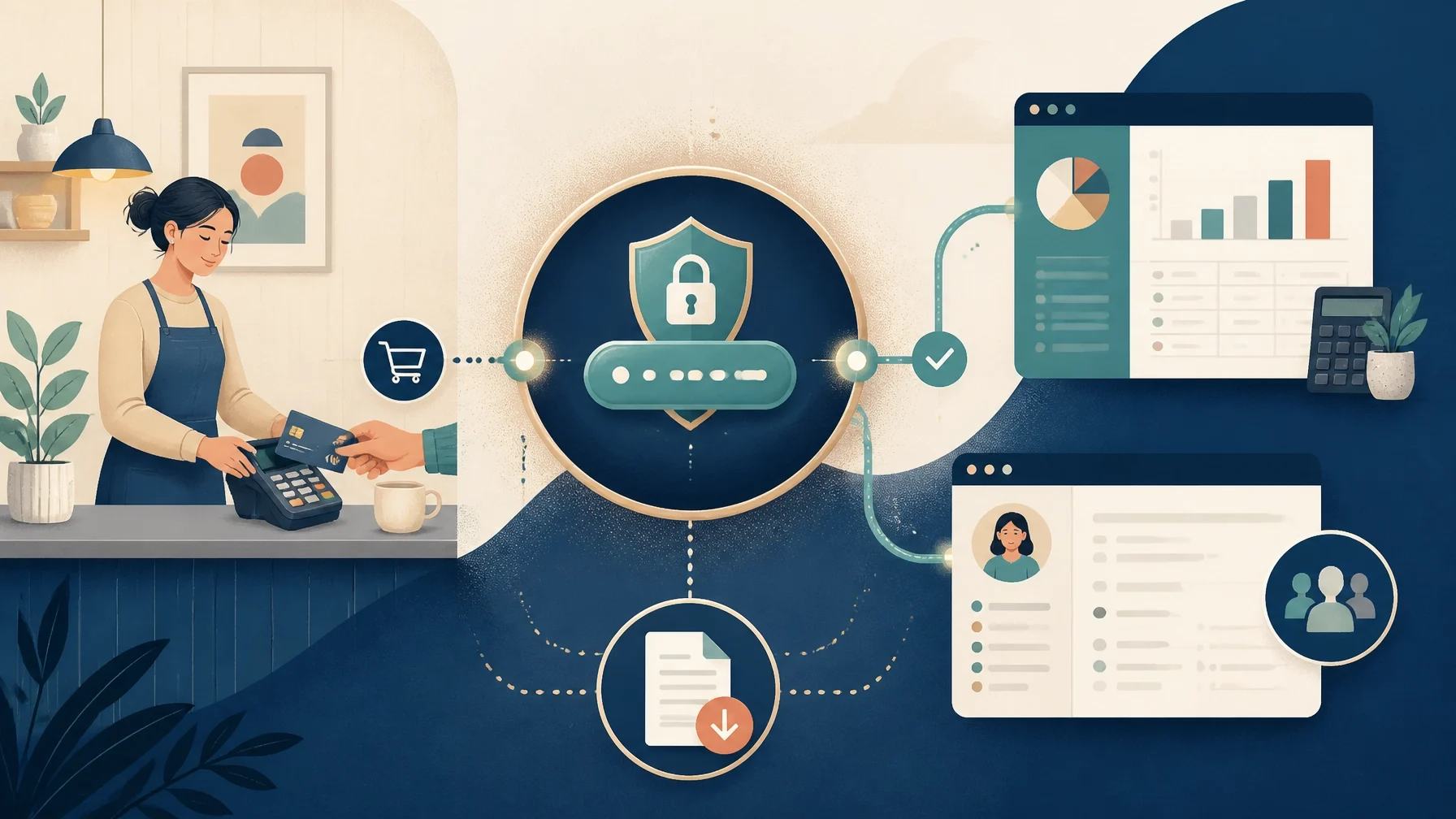
The Payment Card Industry Data Security Standard, or PCI DSS, applies to entities involved in storing, processing, or transmitting payment card data, regardless of business size or transaction volume. Outsourcing payment processing may reduce the systems you operate directly, but it does not eliminate your responsibility to understand your environment and the provider’s role.
The PCI Security Standards Council’s merchant resources explain the importance of people, processes, and technology in protecting payment data. Its guidance also notes that merchants using third-party providers should confirm the provider’s compliance, maintain appropriate written agreements, monitor compliance, and understand shared responsibilities. See the PCI SSC outsourcing FAQ for more detail.
Ask the provider:
What card data, if any, reaches or remains in your systems?
Is the checkout hosted, redirected, embedded, or custom-built?
What PCI documentation applies to your setup?
Are tokenization and encryption available?
How are staff permissions managed?
What happens if a terminal or employee device is lost?
How are security incidents communicated?
Do not store full card numbers in spreadsheets, email, notes, or customer records. Ask your acquirer or payment provider which compliance steps apply to your particular setup. This article is general information, not legal, tax, or financial advice.
Read the contract and protect your ability to switch
Before accepting terms, review:
Contract length and automatic renewal
Early termination fees
Monthly minimums and account fees
Hardware ownership and return obligations
Rate-change provisions
Reserve and fund-hold rights
Refund and chargeback terms
Data retention and deletion
Customer support availability
Dispute deadlines
Restrictions on certain products, services, or industries
Data portability is often overlooked. Confirm whether you can export transaction history, fees, refunds, customer identifiers, invoices, subscription records, and settlement reports in a usable format. You should not expect to export raw card data, but you should be able to preserve the business records needed for accounting, customer service, and dispute management.
Consider alternatives to card processing
Cards are useful, but they are not the only option.
ACH or bank transfers may suit larger invoices, recurring B2B payments, and customers comfortable providing bank details.
Checks may still be practical for some established business relationships, although they require handling, deposit, reconciliation, and fraud controls.
Wires may be appropriate for specific high-value or time-sensitive transfers, but fees and irreversibility require care.
Cash avoids processor fees but creates handling, security, and reconciliation responsibilities.
The best approach may be a payment mix rather than a single method. Let customer expectations, transaction size, risk, settlement needs, and administrative workload determine the mix.
Questions to ask before you choose
Use these questions when comparing providers:
1. Which payment channels do you support: in-person, online, invoice, subscription, mobile, ACH, or bank transfer?
2. What are all percentage, fixed, monthly, hardware, gateway, refund, chargeback, and account fees?
3. How are online, keyed, card-present, recurring, and international transactions priced?
4. When will funds reach my bank account?
5. Under what circumstances can funds be delayed or reserved?
6. Which website, accounting, CRM, inventory, and subscription integrations are available?
7. What PCI responsibilities remain with my business?
8. How do refunds, disputes, and chargebacks work?
9. Can I export my transaction and settlement data?
10. What happens if I cancel the account?
A short trial or controlled rollout can reveal problems that a sales demonstration will not. Test a sale, refund, failed payment, partial payment, recurring charge, settlement report, and accounting sync before moving every customer to the new system.
Before signing a payment-processing agreement, create a one-page comparison showing your required payment channels, estimated total costs, settlement terms, integration needs, dispute process, security responsibilities, and exit terms. Then test the complete customer-to-bank workflow: not just the checkout screen.