The right software can reduce missed calls, late invoices, and office paperwork: but only if it fits the way your crews actually work.
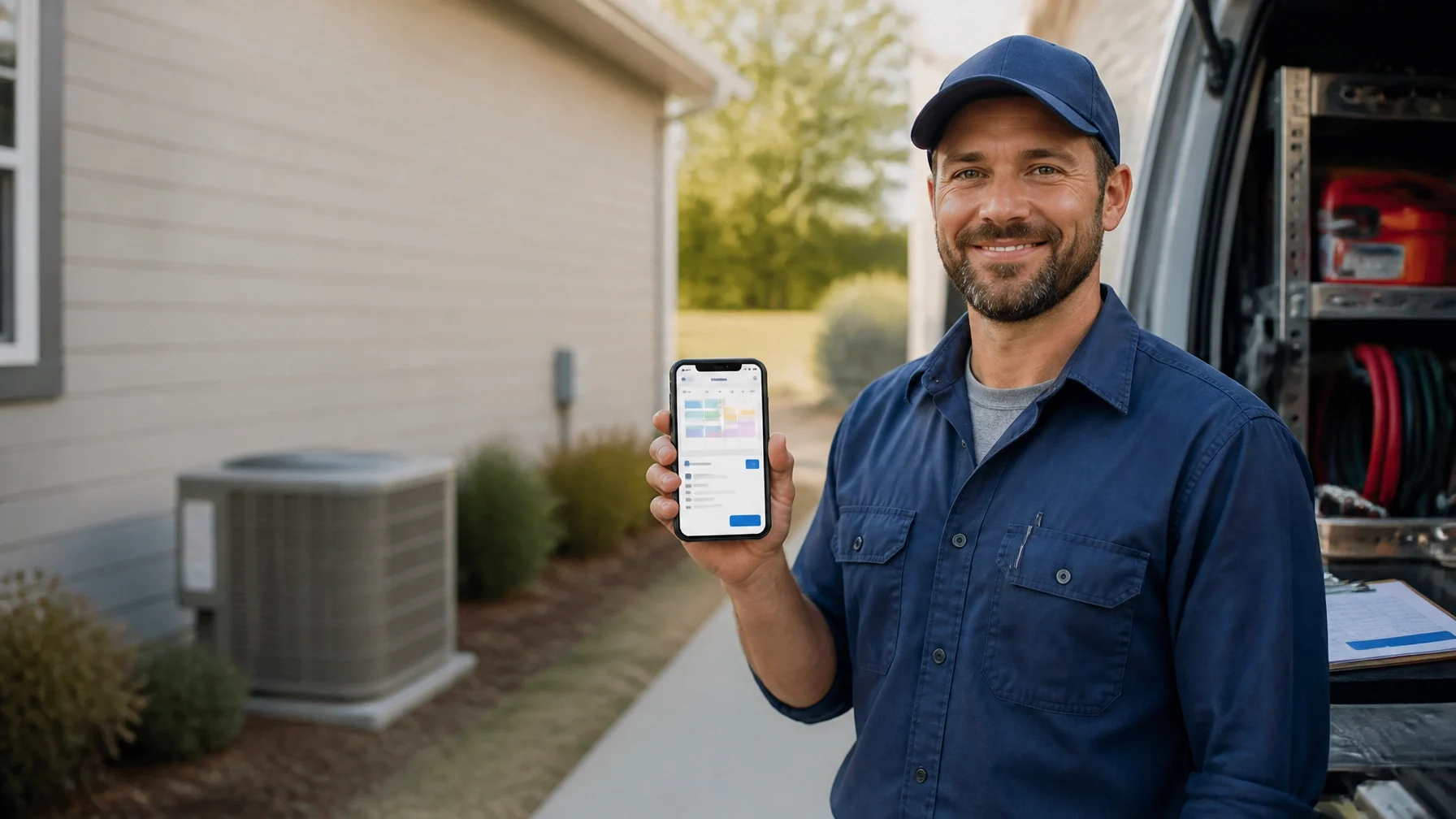
A contractor’s day rarely happens at a desk. It happens in crawl spaces, driveways, mechanical rooms, job sites, workshops, and trucks between appointments.
That makes business software a practical issue, not a technology project. The right tools should help you schedule work, send estimates, collect payments, keep customers informed, and understand whether a job made money. They should also be simple enough that you and your team will use them while the day is busy.
A plumber with two technicians may need a different setup from a general contractor managing several subcontractors. An HVAC company may prioritize dispatching and recurring service visits, while a landscaper may care more about route planning and crew time. A mechanic may need estimates, repair approvals, parts tracking, and customer communication.
There isn’t one universally best software package. The better question is: which categories solve the problems that are costing your business time or money right now?
Start with field-service management and scheduling
For many contractors, scheduling is the first place where business software can make a noticeable difference.
A field-service management system may combine a customer database, calendar, dispatching, work orders, technician assignments, job notes, and status updates. Some systems also connect estimates, invoices, payments, and customer messages in the same account. Features vary by provider and plan, so they should be verified before purchase.
At a minimum, look for a scheduling system that lets you:
See appointments by day, week, technician, or crew
Assign jobs without relying on a paper calendar
Add addresses, job details, and customer notes
Reschedule work quickly
Give field workers access from a mobile device
Track whether a job is scheduled, in progress, completed, or ready to bill
If you operate a small plumbing or electrical business, a shared calendar may be enough at first. Once several technicians are moving between jobs, a dedicated field-service system may be easier to manage than a collection of texts and spreadsheets.
For landscaping and maintenance businesses, ask whether the system handles recurring appointments and route planning. For general contractors, scheduling may need to account for subcontractors, inspections, materials, and project milestones rather than short service calls.
Use estimating software to make quotes easier to manage
A good estimate is more than a number sent by text. It should explain the proposed work, make approvals clear, and give you a record of what the customer accepted.
Estimating and proposal software can help you create repeatable templates for common jobs. Depending on the platform, it may also support digital approvals, deposits, price lists, measurements, change orders, or converting an accepted estimate into a work order and invoice.
Before choosing a tool, consider how you currently estimate:
Do you price standard services from a set list?
Do you need detailed material and labor breakdowns?
Do customers need to approve estimates electronically?
Do you regularly handle change orders?
Do estimates need to connect directly to invoicing?
Do you need separate pricing for residential, commercial, or maintenance work?
An electrician doing smaller residential jobs may value speed and reusable templates. A general contractor may need more detailed estimating, document control, and project cost tracking.
The important test is whether the software reduces duplicate entry. If you have to type the same customer, job, and price information into three different systems, the process may create more work than it removes.
Connect invoicing and payments to completed work
Many field businesses lose time after the work is finished. The job is complete, but the invoice waits until someone returns to the office, finds the paperwork, and remembers what happened on-site.
Invoicing software can help you bill from the job record, attach notes or photos, show labor and materials, and track payment status. Payment tools may allow customers to pay electronically, but processing methods, fees, deposits, and settlement times differ and require verification.
Look for practical functions such as:
Invoices created from approved estimates or completed jobs
Deposits, partial payments, or progress billing where relevant
Automatic payment reminders
Mobile invoice access
Receipts and payment records
Clear handling of taxes, discounts, and refunds
Export or synchronization with your accounting system
For larger construction work, ask whether the system supports the billing structure your contracts require. Retainage, progress billing, purchase orders, subcontractor payments, and change orders may need specialized construction accounting or project-management software.
A basic invoicing app may work well for a solo mechanic or handyman. It may not be enough for a general contractor with multiple projects and detailed job costing.
Keep accounting separate when the business needs more financial control
Operational software helps you run jobs. Accounting software helps you understand the financial condition of the business.
Some all-in-one contractor platforms include basic financial features. Many businesses still use a dedicated accounting system for bank reconciliation, expenses, payroll connections, tax records, financial statements, and job costing. The right arrangement depends on your business structure, accountant, payroll process, and local requirements.
A useful accounting setup should help answer questions such as:
Which jobs are profitable?
What do customers owe?
What bills are due?
How much has been spent on labor and materials?
Are estimates matching actual costs?
Is cash available for payroll and upcoming expenses?
Ask your accountant or bookkeeper which systems they can support. A tool that looks attractive to you may create problems if financial data cannot be exported cleanly or reconciled properly.
The U.S. Chamber of Commerce’s overview of accounting tools for contracting businesses is one useful starting point for understanding the accounting side of the decision.
Choose customer management that supports follow-up
A contractor CRM does not need to resemble the complex sales systems used by large corporations. For many small businesses, customer management means keeping a reliable record of:
Contact details and service addresses
Previous jobs
Open estimates
Follow-up dates
Maintenance reminders
Customer preferences
Photos, notes, and communication history
This matters when a customer calls six months after the original job. You should be able to see what was done without searching through old messages or paper folders.
For HVAC companies, customer records may support seasonal maintenance reminders. For landscapers, they may help manage recurring service. For mechanics, a job history can make future conversations clearer. The value comes from consistent use, not from having the most features.
Manage crews, time, and field communication
As soon as you have employees or subcontractors, you need a dependable way to coordinate people.
Crew-management software may include schedules, assignments, time tracking, job notes, work orders, payroll exports, or document storage. Some tools offer location-based time features or other monitoring functions. Those features raise privacy, labor-law, and employee-relations questions, so verify the rules that apply to your location before using them.
A practical system should make it easy for workers to see:
Where they need to be
When they need to arrive
What work is expected
Which materials or equipment are required
How to report completion, delays, or additional work

For a two-person operation, a shared schedule and clear job notes may be sufficient. A growing contractor may need time sheets, crew availability, payroll integration, safety documentation, and project-level labor tracking.
Do not choose a system that requires every field worker to perform lengthy data entry. If updating a job takes too long, the information will be incomplete.
Treat reviews and customer communication as part of operations
Reviews are often requested after the job, but customer communication should happen throughout it.
A field-service platform may include text or email updates, appointment reminders, customer portals, photo sharing, and review-request tools. Dedicated reputation-management services may provide additional capabilities. Current features, supported review sites, message limits, and compliance requirements need to be checked directly with each provider.
Useful communication functions include:
Appointment confirmations
“On the way” messages
Arrival and completion updates
Estimate approvals
Invoice delivery
Maintenance reminders
A clear record of conversations
For a homeowner waiting on an HVAC repair or electrical inspection, a short, timely update can prevent unnecessary calls to the office. It also gives your team a record of what was communicated.
Review requests should be handled honestly. Software can make the request easier, but it cannot replace good workmanship or justify pressuring customers to leave a particular kind of review.
Add marketing software only after the basics work
Marketing tools can help with website forms, email campaigns, text reminders, lead tracking, customer lists, and advertising connections. But marketing software won’t compensate for unanswered inquiries or estimates that sit in an inbox for a week.
Start with the basics:
1. Make sure calls and web inquiries reach the right person.
2. Record new leads in one place.
3. Set a follow-up reminder.
4. Track whether the lead became an estimate and then a job.
5. Measure which marketing sources produce relevant work.
A simple contact form and follow-up process may be more useful than an elaborate automation system. Be careful with automated messages, especially where consent, privacy, or local communication rules apply.
A sensible software stack for a field business
Most small contractors do not need ten separate applications. A practical setup might include:
One field-service or job-management platform
One accounting or bookkeeping system
A payment method connected to invoicing
A communication method for customer and crew updates
Optional marketing or review software once lead volume justifies it
Larger general contractors may need dedicated construction project-management software for documents, budgets, change orders, daily logs, and collaboration.
The biggest limitation is not usually the software itself. It’s implementation. Someone has to set up the templates, clean up customer records, train the team, and decide what information must be entered after each job.
How to choose without creating another headache
Before signing up, write down the three most expensive administrative problems in the business. Missed appointments? Slow estimates? Unpaid invoices? Lost job notes? Poor visibility into crew hours?
Choose software that directly addresses those problems. Ask for a realistic demonstration using your workflow: not a generic presentation. Check mobile usability, data ownership, exports, integrations, customer support, contract terms, cancellation rules, and the total cost of operating the system.
Then start with a limited process. For example, use the software for scheduling and invoicing before attempting to automate every part of the business.
The best system is usually the one your team can understand, access in the field, and use consistently. Before buying software, define the work you need it to handle, the people who will use it, and the information you need to see every week. Then compare tools based on your actual business, not on the size of a feature list.