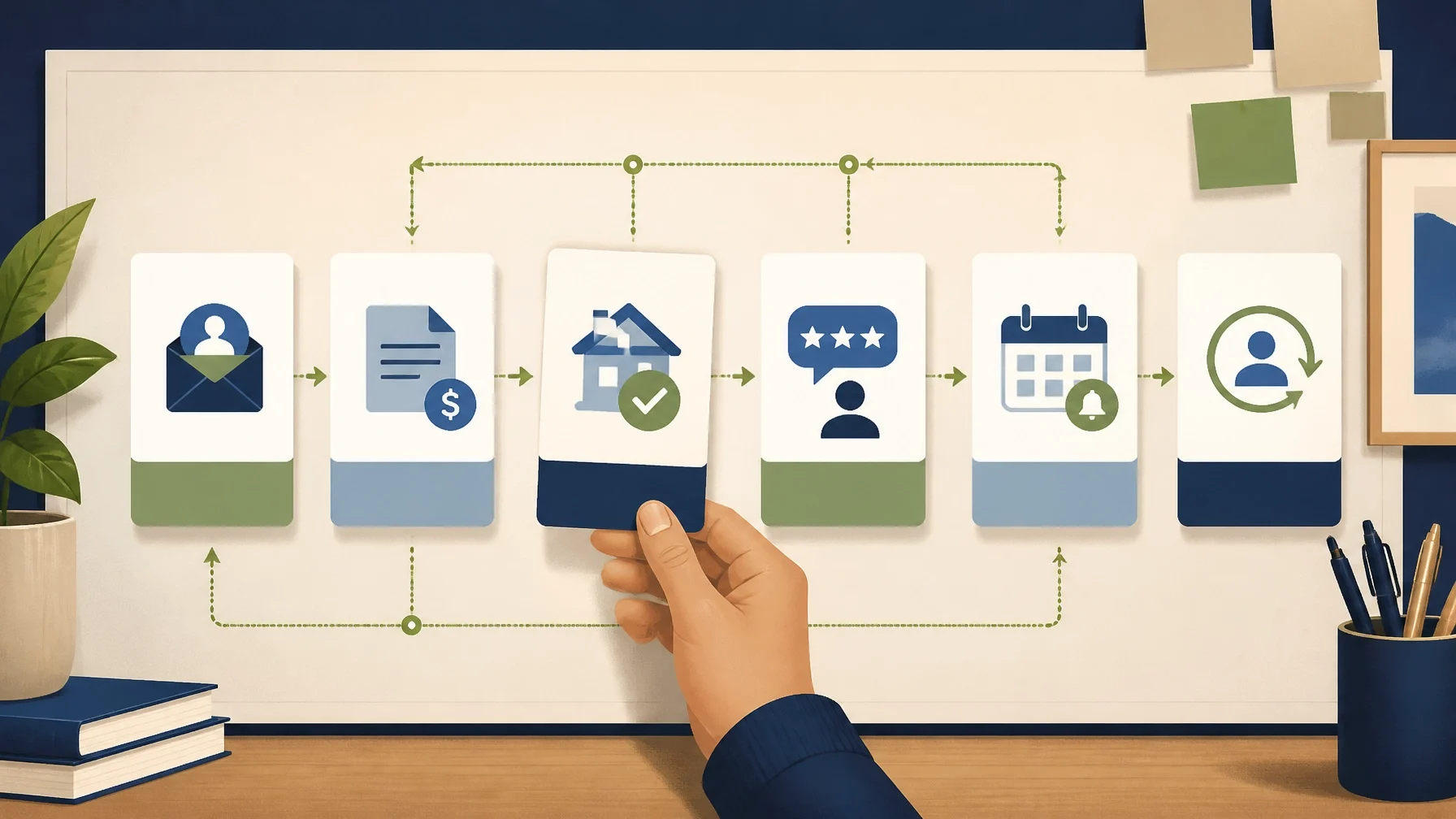
The best follow-up system handles routine reminders automatically while giving people a clear path to a real person when the conversation becomes more important or complex.
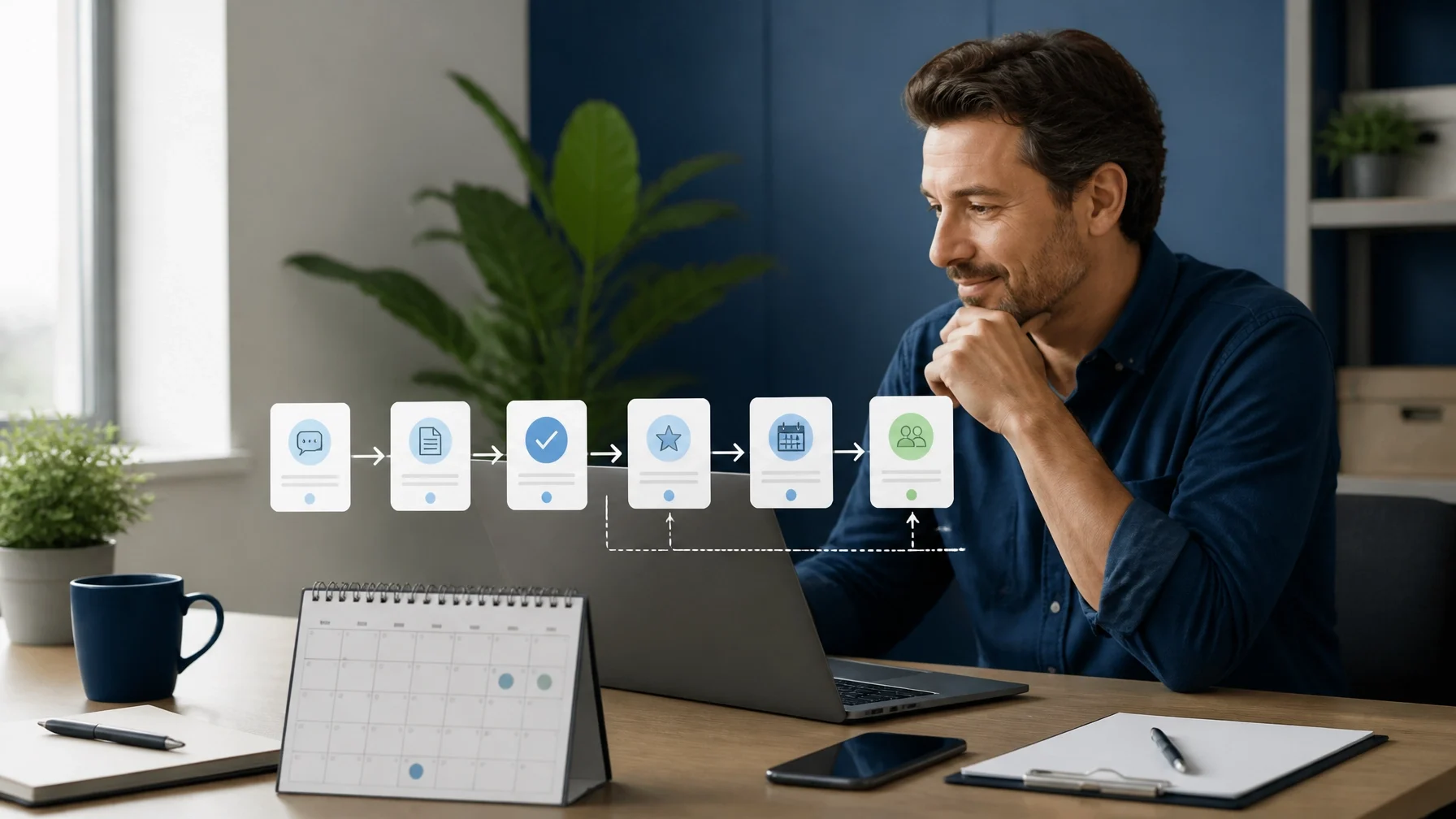
A customer may contact your business after hours, request a quote, finish a service, or disappear after showing interest. In each case, timely follow-up matters. The problem is that many small-business owners either rely on memory or send automated messages that feel cold, repetitive, and disconnected from the customer’s situation.
The answer is not to automate every interaction. It is to automate the predictable parts of the customer journey and reserve human attention for the moments that require judgment.
Which follow-up moments matter most?
Before choosing software, identify the points where a customer expects to hear from you. Most small businesses do not need dozens of automated campaigns. They need a few dependable messages tied to clear events.
1. After a new inquiry
A quick acknowledgment reassures the prospect that the inquiry arrived. It can confirm what happens next and set a realistic response expectation.
This message should not pretend that a person has reviewed the request if nobody has. A simple confirmation is more credible:
Hi [First Name], thanks for reaching out about [service]. We received your message and will review the details. If there is anything urgent, reply to this email or call us at [phone number].
If the inquiry contains enough information, create a task for someone on your team to respond personally.
2. After sending a quote
A quote should not disappear into an inbox. A short follow-up can ask whether the customer has questions, clarify the next step, or identify whether the project is still active.
Avoid sending several messages that only say, “Just checking in.” Reference the actual request:
Hi [First Name], I wanted to make sure you received the estimate for [project]. If you would like to adjust the scope or talk through any part of it, reply here and we can review it with you.
The automation can send the reminder. The reply should be routed to a person.
3. After the job or purchase
A post-service message is an opportunity to thank the customer, provide after-care instructions, and catch problems before they become complaints.
Depending on the business, the message might include:
A brief summary of what was completed
Care or usage instructions
The best way to report an issue
A receipt or service record
A request for feedback
Do not make the first post-service message entirely about getting a review. Confirm that the customer knows what happens next.
4. Review requests
A review request usually works best after the customer has had enough time to experience the result. The timing will vary by business. A restaurant, repair company, consultant, and landscaper may all need different intervals.
Keep the request short and neutral:
Hi [First Name], thank you for choosing us for [service]. If you have a moment, we would appreciate your honest feedback: [review link]. If something did not go as expected, please reply directly so we can understand what happened.
Do not ask only satisfied customers for public reviews, pressure people to leave positive comments, or offer incentives without checking applicable laws and platform policies. Review practices change, and any incentive or filtering process should be verified before launch.
5. Maintenance and rebooking reminders
Recurring businesses can use past service dates to remind customers when another appointment may be due. This is useful for home services, vehicle care, equipment servicing, personal care, and other businesses with repeat cycles.
The message should explain why the reminder is relevant rather than creating artificial urgency:
Hi [First Name], your last [service] was completed on [date]. If you are ready to plan the next visit, you can request an appointment here: [link]. Reply if your needs have changed.
Use the actual service history whenever possible. A reminder based on the wrong date or service can damage trust quickly.
6. Lapsed customers
A lapsed-customer message should acknowledge the time since the last interaction without sounding intrusive. Avoid assuming the customer left because of dissatisfaction.
Hi [First Name], it has been a while since we helped with [service]. If you still need assistance with [relevant need], we would be glad to hear from you. If your plans have changed, no action is needed.
One well-timed message is usually better than a sequence of increasingly aggressive promotions.
How to build a simple follow-up system
Start with a written process before opening a software account.
For each follow-up moment, record five things:
1. Trigger: What event starts the process?
2. Audience: Which customers or prospects should receive it?
3. Channel: Email, SMS, phone task, or another method?
4. Timing: When should it be sent?
5. Next action: What should happen if the customer replies, books, or does nothing?
For example:
| Trigger | Message | Timing | Human action |
|---|---|---|---|
| New inquiry | Confirmation and response expectation | Immediately | Review and respond |
| Quote sent | Question-focused reminder | Two to four business days later | Follow up with interested prospects |
| Job completed | Thank-you and care information | Same day or next day | Handle issues |
| Service completed | Review request | After an appropriate interval | Monitor feedback |
| Service due | Maintenance reminder | Based on service history | Schedule the customer |
| No activity | Lapsed-customer message | After a defined period | Stop or continue based on reply |
The exact timing is a business decision, not a universal rule. Test a reasonable schedule and adjust it based on replies, bookings, complaints, and opt-outs.
Use email and SMS carefully
Email is generally better for detailed information, quotes, instructions, and messages that customers may need to reference later. SMS is better suited to short, time-sensitive updates such as appointment reminders or simple confirmations.
Consent requirements depend on the message, the channel, the recipient, the technology used, and applicable federal and state law. In the United States, commercial email generally needs a clear opt-out method and a valid physical postal address under the CAN-SPAM Act. The FTC’s CAN-SPAM compliance guide provides official guidance.
Marketing texts sent through automated systems may require prior express written consent under the Telephone Consumer Protection Act and related rules. Keep records showing when consent was collected, what the customer agreed to receive, and how opt-outs were handled. Include a clear way to stop messages, such as “Reply STOP,” when appropriate for the platform and message type.
Do not use one checkbox that vaguely combines order updates, reminders, promotions, and unrelated communications. Separate consent by channel and purpose where required. Laws and platform rules can change, so have your wording and workflow reviewed for your location and industry before sending automated SMS campaigns.
Make automated messages sound human
Personalization is more than adding a first name. Useful details include the service requested, the date of the appointment, the employee or technician involved, the customer’s stated goal, and the next step.
Good personalization is accurate and relevant. Bad personalization exposes gaps in your records:
An incorrect name
A reference to a service the customer never purchased
A reminder for the wrong date
A message sent after the customer already booked
A promotion for something unrelated
Write like a thoughtful employee would write. Use a clear subject line, one main purpose, and one obvious action. Remove exaggerated language, unnecessary urgency, and phrases your team would never say aloud.
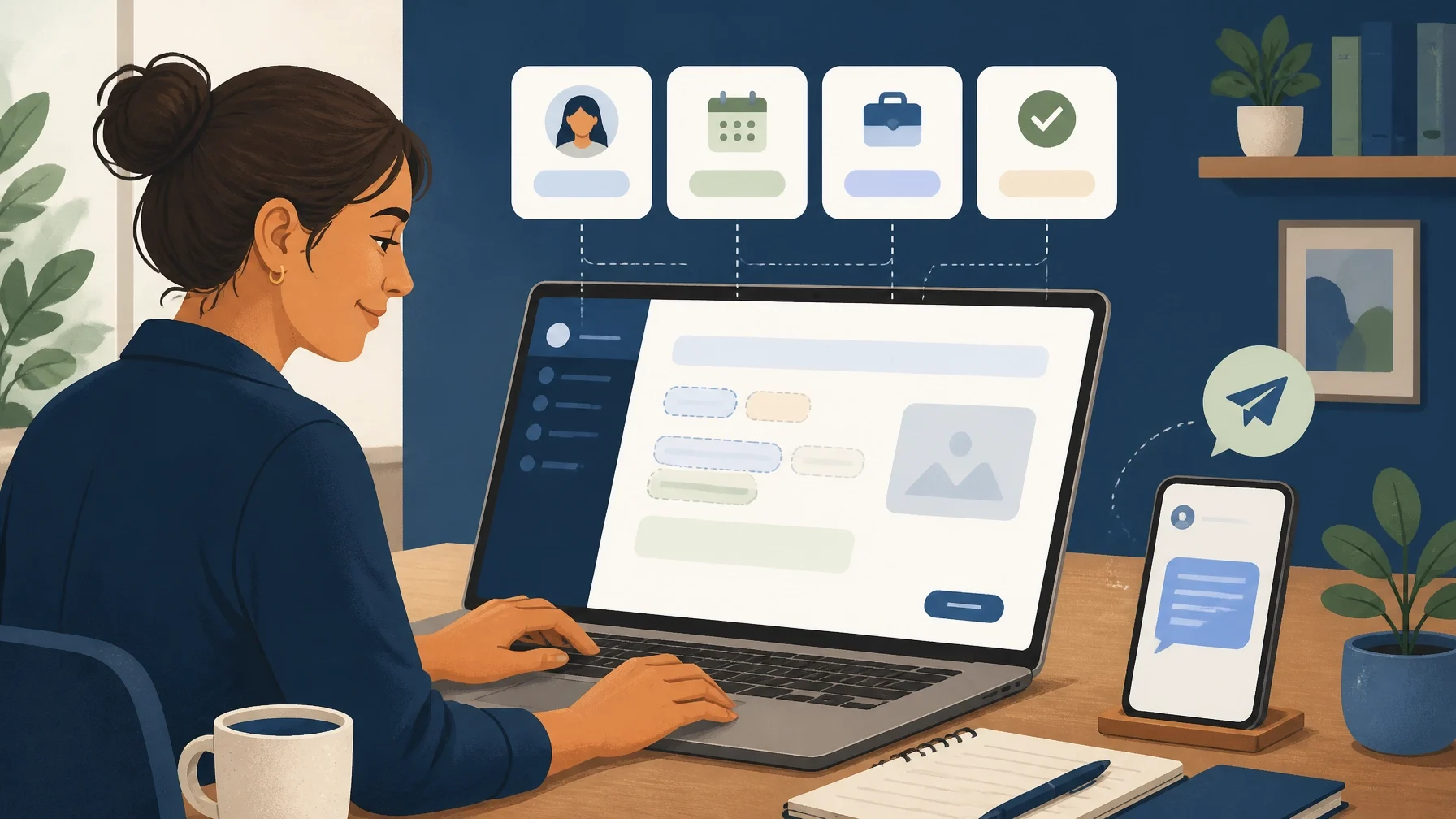
Know when automation helps: and when it hurts
Automation helps when the task is repetitive, the trigger is reliable, and the customer benefits from a prompt response.
Good candidates include:
Appointment confirmations
Routine reminders
Delivery or status updates
Post-service instructions
Internal tasks to call a prospect
Rebooking prompts based on a known service interval
Automation hurts when the situation is emotional, unusual, expensive, or unclear. Do not let a workflow continue sending cheerful reminders after a customer reports a damaged product or unresolved problem.
Create stop conditions. A sequence should pause when a customer replies, books an appointment, asks for a refund, reports a complaint, or requests no further contact. The system should also alert a person when a message contains terms such as “manager,” “cancel,” “complaint,” or “urgent,” if your software supports that type of routing.
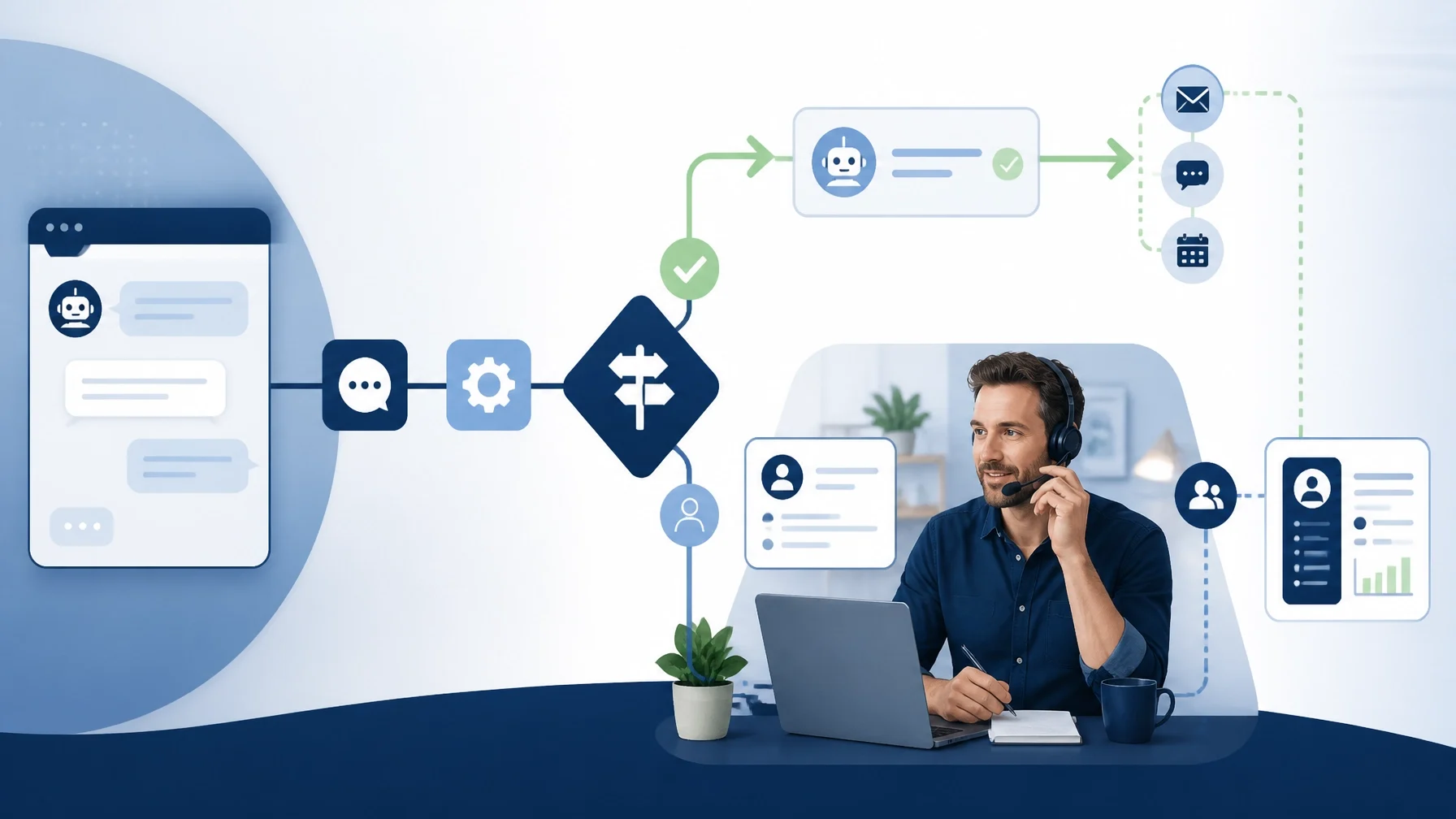
Choose the simplest tool that can do the job
A few tools may be enough when your business has a modest customer list and limited follow-up needs:
Email templates and scheduled sends
Calendar reminders for callbacks
A shared spreadsheet with clear ownership
Form notifications
Task management software
A CRM may be appropriate when you need to track inquiries, quotes, customer history, follow-up status, and next actions in one place. Field-service software may make more sense when scheduling, dispatch, recurring maintenance, job records, and technician communication are central to the business.
The right choice depends on process complexity, not on how many features a product offers. Verify current features, integrations, data practices, pricing, and contract terms directly with each provider.
If you are deciding what to automate across the whole operation, the broader guide on small business automation covers lead routing, invoicing, reporting, and what should remain human-led.
Track results without chasing vanity metrics
Open rates can be affected by privacy settings and technical changes, so they should not be treated as the complete picture. More useful measures may include:
Time from inquiry to human response
Quote replies
Appointments booked
Completed rebookings
Review requests completed
Customer replies requiring staff attention
Unsubscribe and opt-out requests
Complaints or duplicate messages
Compare results by workflow and customer segment. If an automated quote reminder produces replies but few bookings, the issue may be the offer, the quote, the scheduling process, or the timing: not necessarily the automation itself.
Review each sequence regularly. Remove messages that no longer match your process, update links, and test what happens when a customer replies or completes the intended action.
Common mistakes to avoid
The most frequent problems are operational:
Sending the same message through email and SMS at nearly the same time
Failing to stop a sequence after a customer responds
Using old customer data
Asking for a review before resolving a complaint
Treating every text as if it were legally identical
Hiding the unsubscribe or opt-out process
Giving automation responsibility for sensitive conversations
Creating a workflow nobody owns
Assign a person to monitor replies and failures. Automation is not a substitute for accountability.
Questions to ask before buying a follow-up tool
Before committing to a platform, ask:
What exact event triggers each message?
Can the system stop messages after a reply, booking, or opt-out?
Can email and SMS consent be recorded separately?
Who owns the customer data and how can it be exported?
Can staff see the full conversation history?
Does it support manual approval before a message is sent?
What happens when a message bounces or a phone number changes?
Can complex replies be assigned to a specific person?
What integrations are included, and which require separate verification?
What are the current fees, message limits, contract terms, and cancellation rules?
Do not buy a large system to solve a small process problem. Document the workflow first. Then choose the lightest tool that can run it reliably.
A personal customer experience does not require every message to be written manually. It requires accurate information, sensible timing, clear consent, and a human being available when the situation calls for one.
If you are building a follow-up process, start small: define the trigger, write the message, decide when it should stop, and make sure a real person can step in when needed.