Customers do not expect every answer to come from a machine. They do expect a timely response. The right AI tools can help a small team handle routine questions, capture leads, and route urgent issues without losing the human side of customer service.

The problem: customers are waiting while the business is busy
A customer sends a message while a plumber is under a sink. A restaurant receives a catering inquiry during the lunch rush. An accountant is in a client meeting when three emails arrive. A retailer gets repeated questions about shipping, returns, or product availability.
The issue is not that the business does not care. The issue is that a small team has limited time and too many communication channels.
Slow replies can create several problems:
A potential customer contacts a competitor instead.
Staff members answer the same basic questions repeatedly.
Leads arrive without enough information to follow up properly.
Customers send duplicate messages because they are unsure whether anyone saw the first one.
Important requests become mixed in with routine questions.
AI can help by handling the first step of the conversation. It can answer approved questions, collect information, draft replies, schedule appointments, and send complex or sensitive matters to a person.
It should not be treated as an automatic replacement for good service. It is better viewed as a way to extend a small team’s availability.
What AI customer-response tools actually do
“AI customer service” describes several different tools. They do not all solve the same problem.
1. Website chat and AI customer-service agents
A website chatbot or AI agent responds to visitors in a chat window. Depending on the product, it may answer questions using your website, help center, FAQ, product information, policies, or other approved content.
For example, a home-service company might use it to explain service areas, hours, financing information, and the details customers need to request an estimate. An online store might use it for basic shipping and return questions.
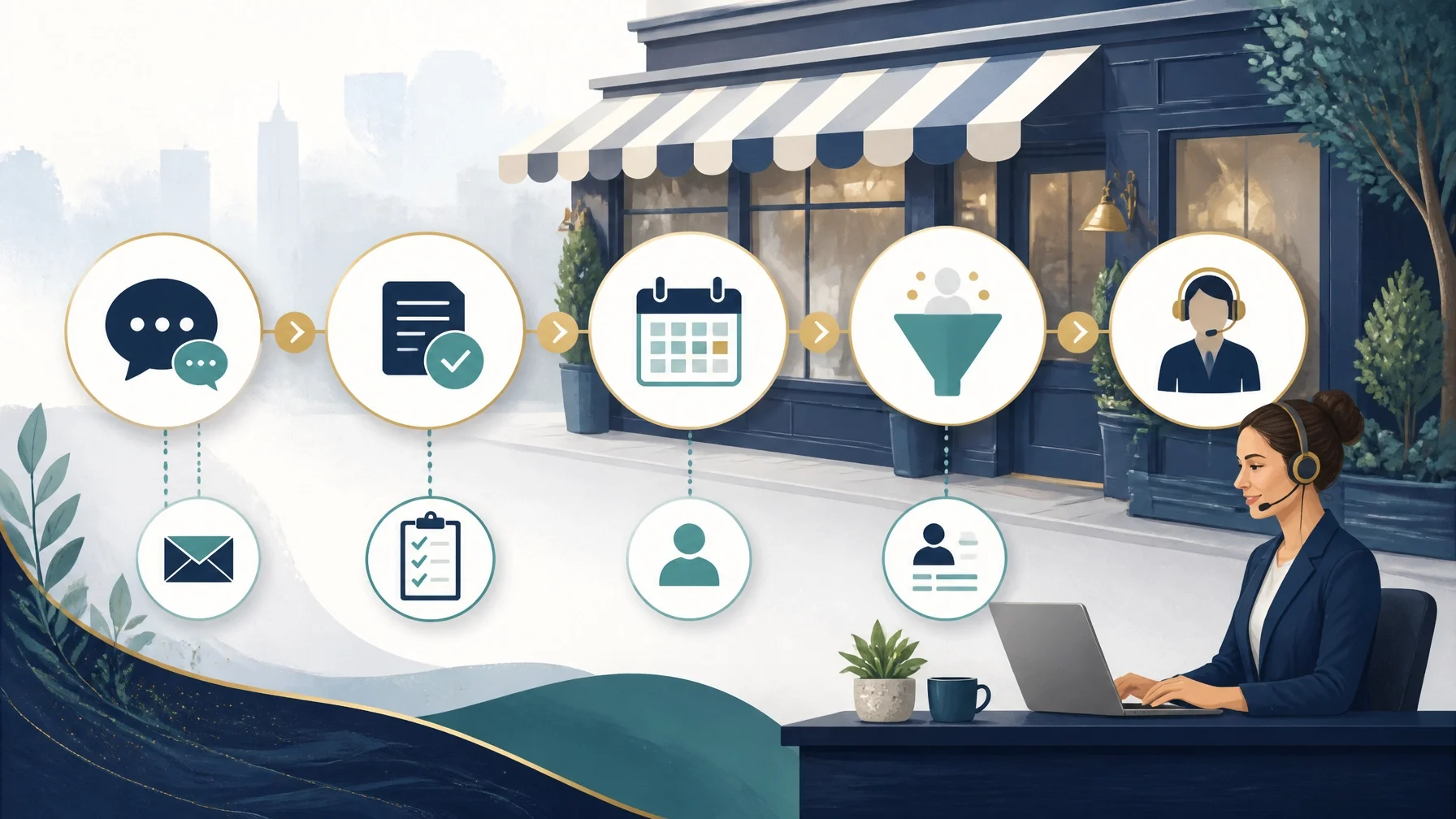
The basic process usually looks like this:
1. You provide approved business information.
2. The tool creates or connects to a knowledge base.
3. A customer asks a question.
4. The AI searches that information and generates a response.
5. The conversation is escalated when the question is outside its scope.
Some platforms also connect to customer-service systems and business software.
These are vendor descriptions, not independent performance findings. Actual results will depend on the quality of your information, the tool’s configuration, and the types of questions customers ask.
2. AI-assisted email and shared-inbox replies
Not every business needs an autonomous chatbot. Many may benefit more from an AI assistant that helps staff reply faster.
This type of tool can help organize incoming messages, identify the subject of a request, suggest a response, summarize a conversation, or route the message to the right employee. A staff member can review and edit the draft before sending it.
This is often a safer starting point for:
Professional practices
Accountants
Attorneys
Financial professionals
Contractors handling detailed estimates
Businesses dealing with complaints or unusual requests
The AI does not need permission to make a final decision. It can simply remove some of the repetitive writing and sorting work.
3. Lead-intake and appointment-scheduling tools
Some businesses lose time because every lead requires the same back-and-forth:
What service do you need?
What is your address?
When are you available?
Is this an emergency?
Which team member should handle the request?
An AI-enabled form, chat assistant, or scheduling workflow can collect these details before a person responds. A scheduling system may also let customers choose from available appointment times, depending on the business’s calendar and setup.
This can be useful for realtors, salons, repair companies, consultants, medical practices, and other appointment-based businesses. However, scheduling needs careful rules. The system must understand service duration, travel time, staff availability, blackout dates, and emergency requests.
If it cannot account for those details, a simple contact form or human scheduling process may be more reliable.
How to introduce AI without creating new problems
The best implementation usually starts small.
Step 1: List the questions your team answers repeatedly
Review recent emails, phone notes, website chats, social messages, and contact forms. Look for questions about:
Business hours
Service areas
Appointment availability
Pricing ranges or quote requirements
Shipping and returns
Delivery times
Cancellation policies
Basic product or service details
How to contact a specific department
Do not begin by asking AI to handle everything. Begin with questions that have clear, stable answers.
Step 2: Create an approved answer source
AI is only as dependable as the information it is allowed to use. Gather the current versions of your FAQs, policies, service descriptions, operating hours, and contact instructions.
Remove outdated information. Identify answers that require a person. For example:
Custom quotes
Refund exceptions
Legal or financial advice
Medical or safety concerns
Angry or vulnerable customers
Complaints involving potential liability
Your goal is not to give the AI every internal document. Your goal is to give it the information it needs to answer routine questions safely.
Step 3: Set clear handoff rules
A customer should always have a path to a person. The AI should also know when to stop.
Useful escalation triggers include:
The customer asks for a human.
The question involves a complaint or dispute.
The customer provides sensitive personal information.
The answer is not in the approved knowledge base.
The issue involves a high-value sale or urgent service.
The customer appears confused after one or two attempts.
A fast wrong answer is worse than a slower honest response. The system should be instructed to say when it does not have enough information.
Step 4: Test with real examples before going live
Use past customer questions to test the system. Check whether it:
Gives the correct answer
Uses the right tone
Avoids making promises
Collects the information your team needs
Escalates the right issues
Handles misspellings and informal wording
Directs customers to the right contact method
Start on one channel, such as your website. Expand to email, social messaging, or phone only after the initial workflow is working properly.
Step 5: Review conversations regularly
AI should not be a “set it and forget it” purchase. Review conversations to find:
Wrong answers
Missing information
Repeated unanswered questions
Confusing wording
Customers who expected a human response
Opportunities to improve your policies or website
The review process is also useful even if you decide not to keep the AI tool. It can reveal where your business communication needs clearer answers.
Who may benefit from AI response tools?
AI may be worth evaluating if your business:
Receives similar questions every day
Has leads arriving outside normal business hours
Uses several communication channels
Has a small team sharing customer-service duties
Needs to collect information before providing a quote
Has a large amount of existing FAQ or support content
Wants staff to spend less time writing repetitive replies
This applies across industries. A five-truck plumbing company may use AI for service-area questions and estimate intake. A restaurant may use it for hours, reservations, catering inquiries, and menu questions. An online business may use it for order and account questions.
Who probably does not need it?
AI may not be the right first investment if:
You receive very few customer inquiries.
Most questions require professional judgment.
Your business information changes constantly.
Your website and policies are outdated.
Nobody has time to review the AI’s responses.
Customers strongly prefer personal conversations.
A simple FAQ, contact form, or autoresponder would solve the problem.
A small company with ten inquiries a week may get more value from writing better website answers and setting up a reliable voicemail or email response than from buying an advanced AI platform.
Advantages and limitations
Potential advantages
Faster responses to routine questions
Better after-hours coverage
Less repetitive work for employees
More consistent answers
Better lead-intake information
A clearer record of customer conversations
Easier routing between departments or staff members
Important limitations
AI can misunderstand a question.
It may use outdated information if the knowledge base is not maintained.
It cannot replace professional judgment.
Integrations may require technical work or higher pricing tiers.
Customers may become frustrated if human handoff is difficult.
Conversation-based pricing can make costs harder to predict.
Sensitive customer information creates privacy and security responsibilities.
Do not assume that a tool’s marketing claim applies to your business. Test it with your own questions and calculate the cost using your actual conversation volume.
Pricing: what to verify before buying
AI customer-service pricing varies widely. It may be based on users, seats, conversations, contacts, messages, resolutions, usage, or a combination of these.
Before signing up, ask for the expected monthly cost based on your own volume, not a generic demonstration. Also confirm what counts as usage, whether human handoff tools are included, and whether integrations or reporting require a higher plan.

Questions to ask before buying
1. What exactly counts as a billable conversation, message, seat, or resolution?
2. Can the tool use our website, FAQ, policies, and internal instructions?
3. How do we prevent it from answering beyond approved information?
4. Can a customer reach a human easily?
5. What happens when the AI cannot answer?
6. Which channels are supported: website, email, SMS, social, or phone?
7. Does it connect with our CRM, calendar, help desk, payment system, or order system?
8. Can staff review and correct responses before they are sent?
9. What customer data is stored, and for how long?
10. What security, privacy, and access controls are available?
11. Can we export conversation history if we leave?
12. What is the total cost at our current and expected inquiry volume?
13. What setup and maintenance will our team be responsible for?
14. Can we test it with real examples before making it customer-facing?
Alternatives to AI
AI is only one way to improve response time. Depending on the problem, you may get better results from:
A clear FAQ page
Website forms that collect complete lead information
Saved email replies
A shared team inbox
A dedicated business phone system
Online appointment scheduling
A call-answering service
Better CRM notifications
Defined response responsibilities for staff
A part-time customer-service employee
The right solution may be a combination. For example, an electrician might use an FAQ for basic questions, a form for quote requests, a calendar for consultations, and human follow-up for every job estimate.
Final takeaway
AI can help a small business answer customers faster, but speed is only useful when the answer is accurate and the customer can reach a person when needed.
Start with the questions your team answers repeatedly. Use approved information. Set clear escalation rules. Test the workflow. Review conversations. Then compare the cost with simpler alternatives.
If your business is exploring ways to respond faster without removing the human element, use these questions to compare options and start with one narrow workflow you can monitor closely.